
.webp)


.svg)




.svg)


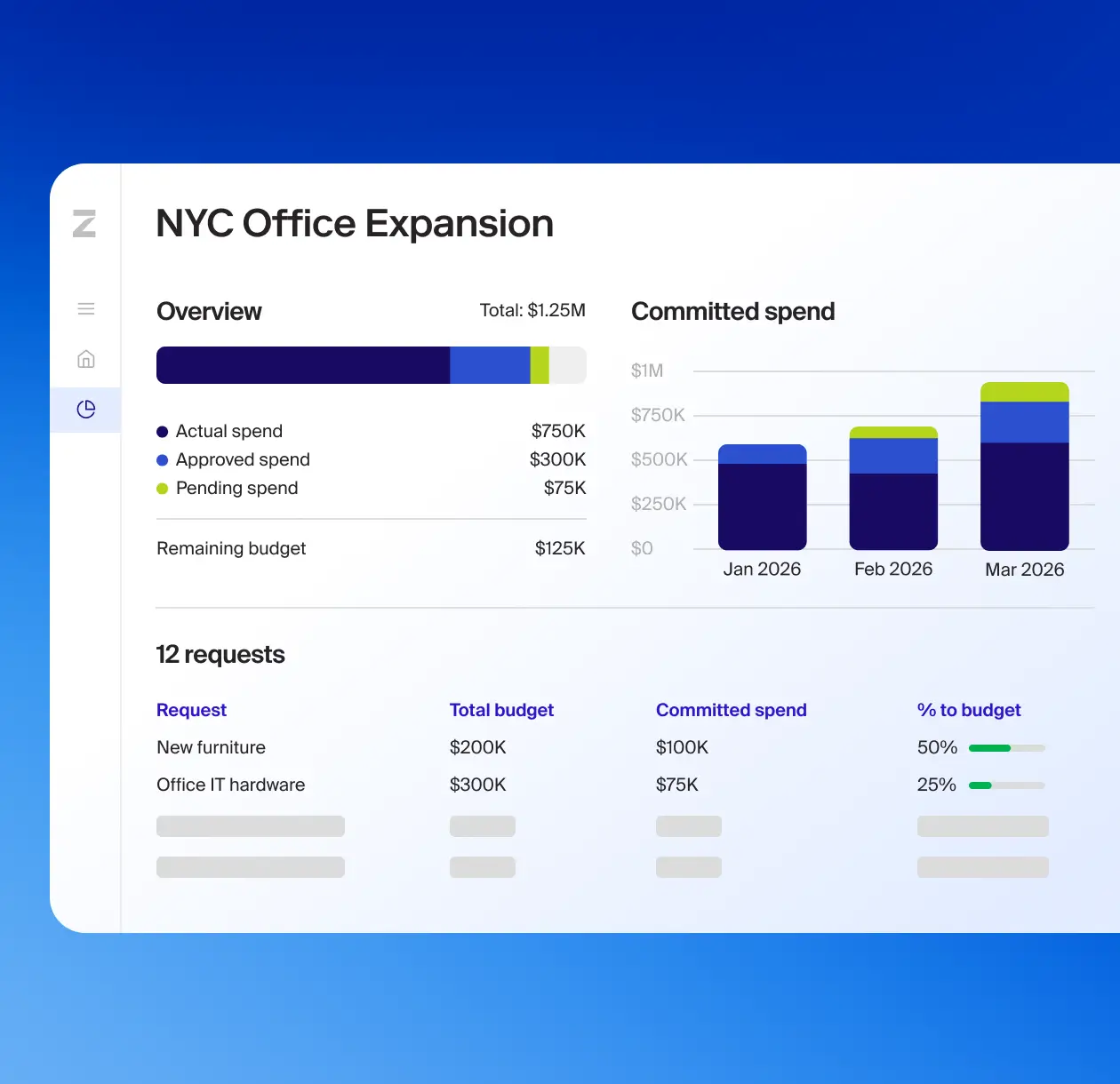
Stay within budget
See how much budget remains directly within approval workflows to drive better decisions.
Fast-track approvals
Streamline the review process when a budget or project is pre-approved.
Manage project spend
Group requests by project to develop a unified view of project financial health.
Flexible budget views
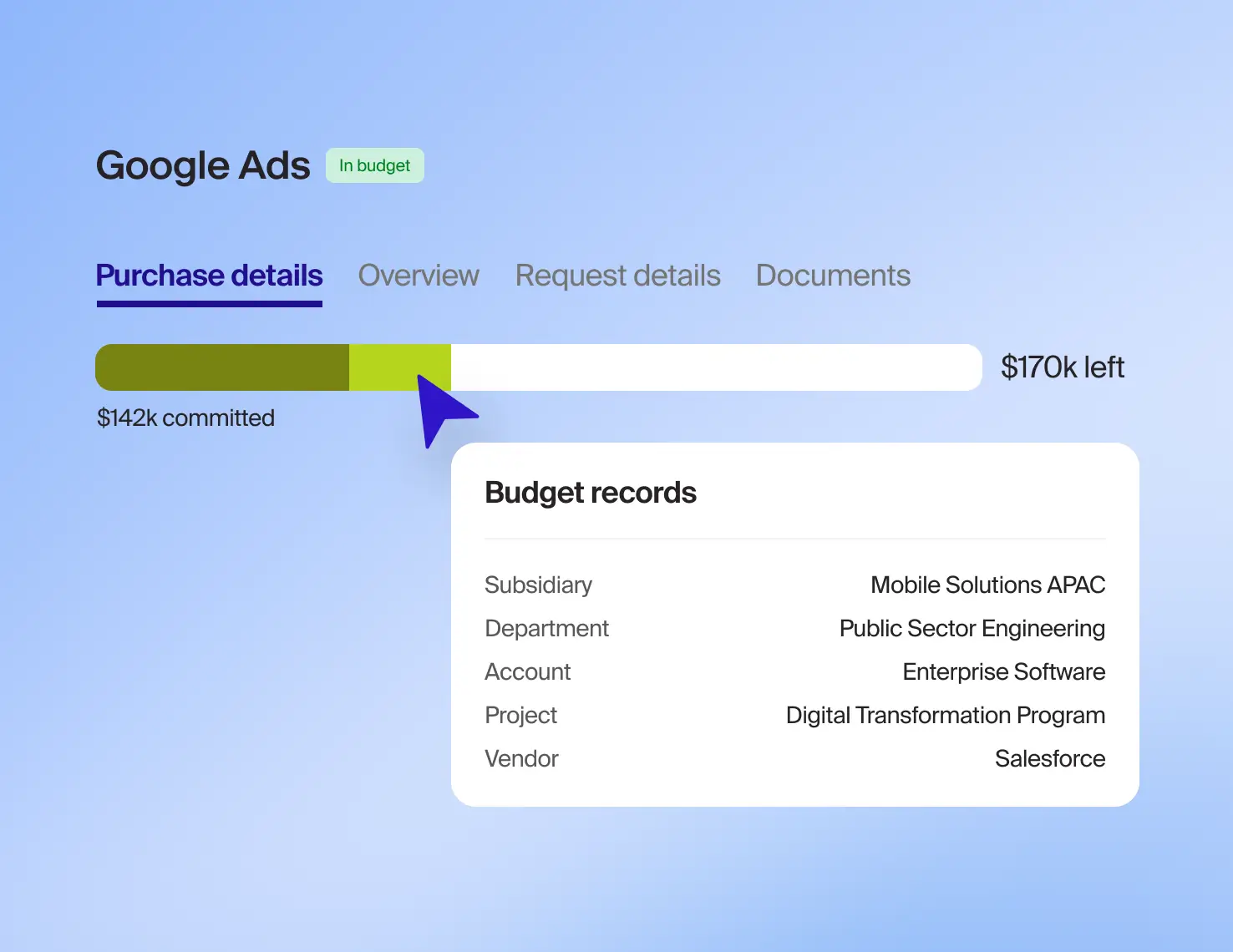
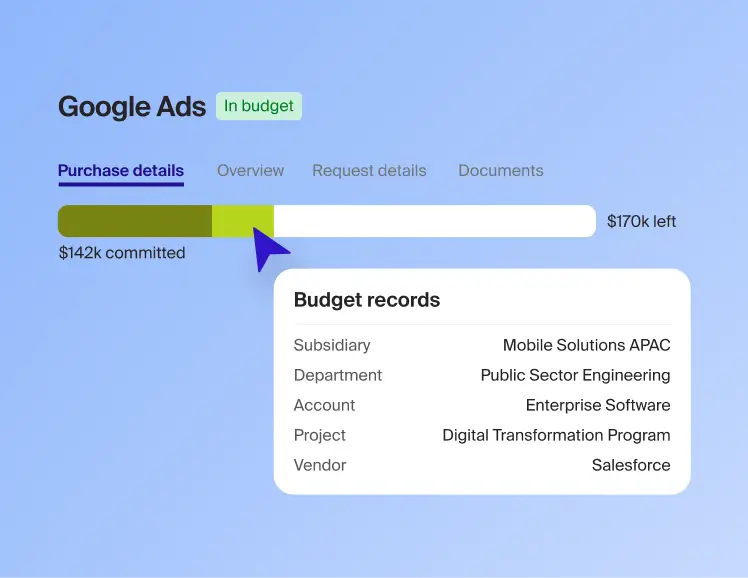
Create and track budgets using any combination of fields such as department, category, or vendor.
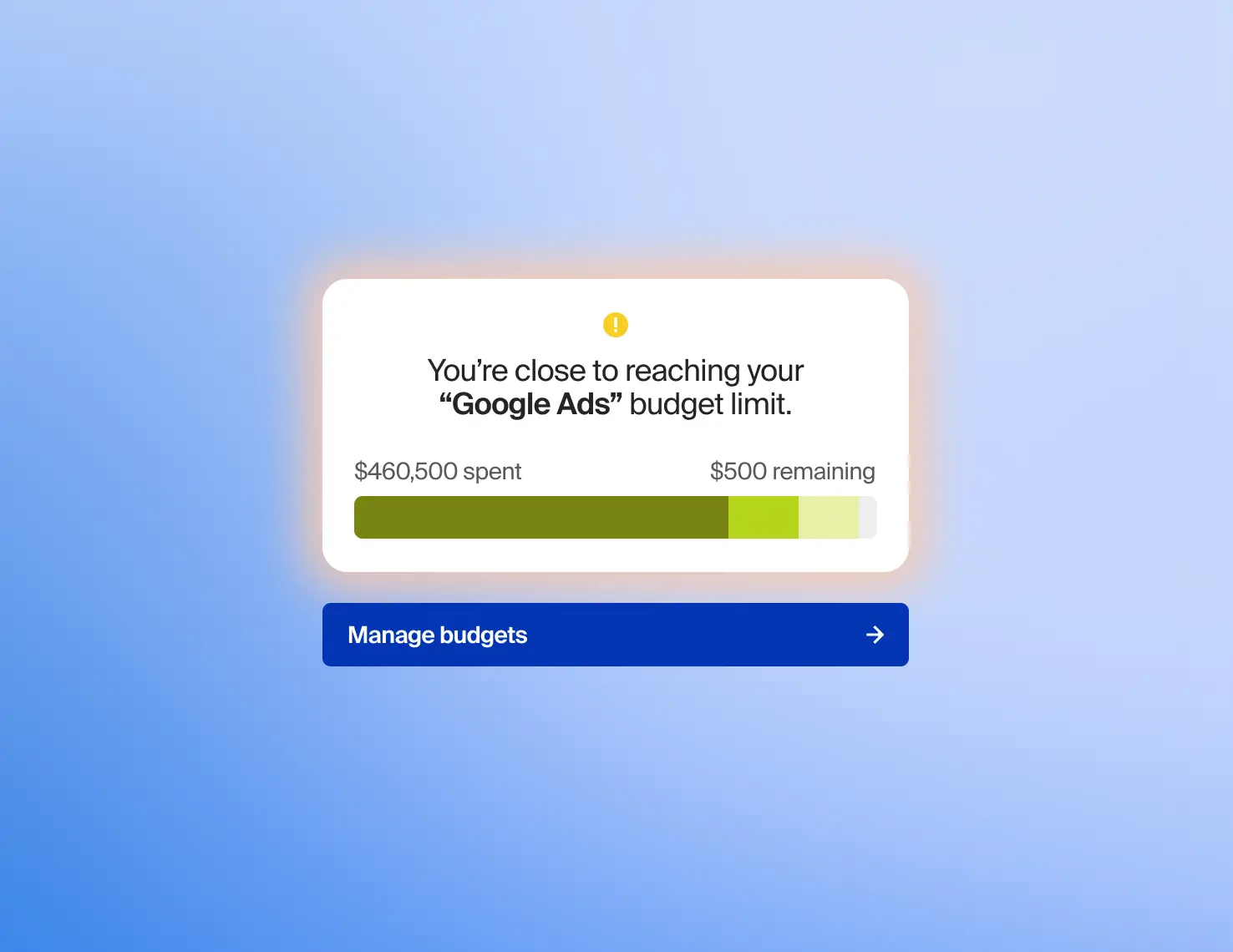
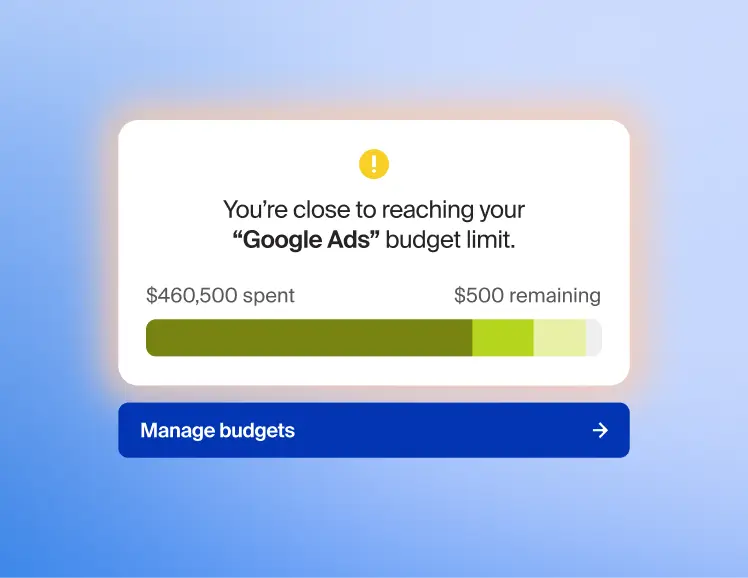
Real-time alerts
Alert budget owners when a budget is near or at exhaustion so owners can take action and manage budgets proactively.
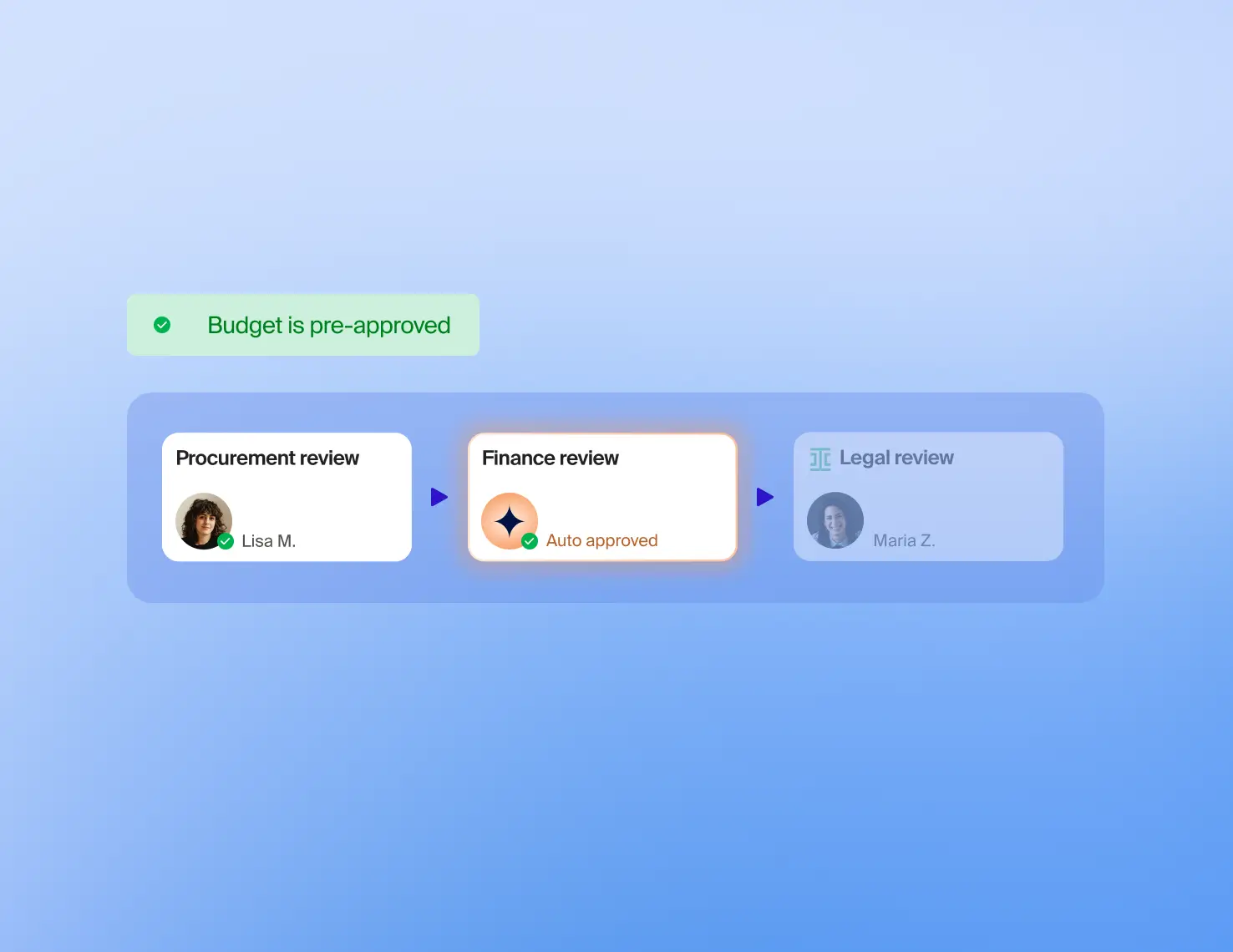
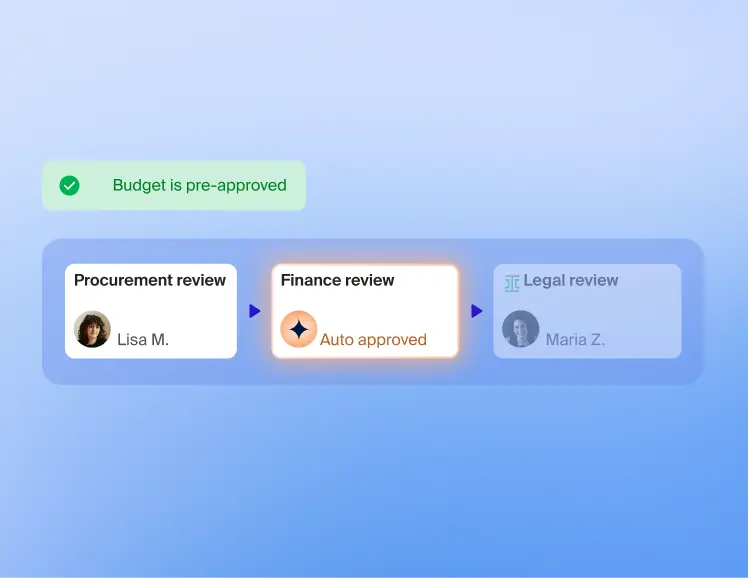
Dynamic approvals
Green-light requests when a budget is pre-approved. Trigger additional reviews when it's been fully consumed.
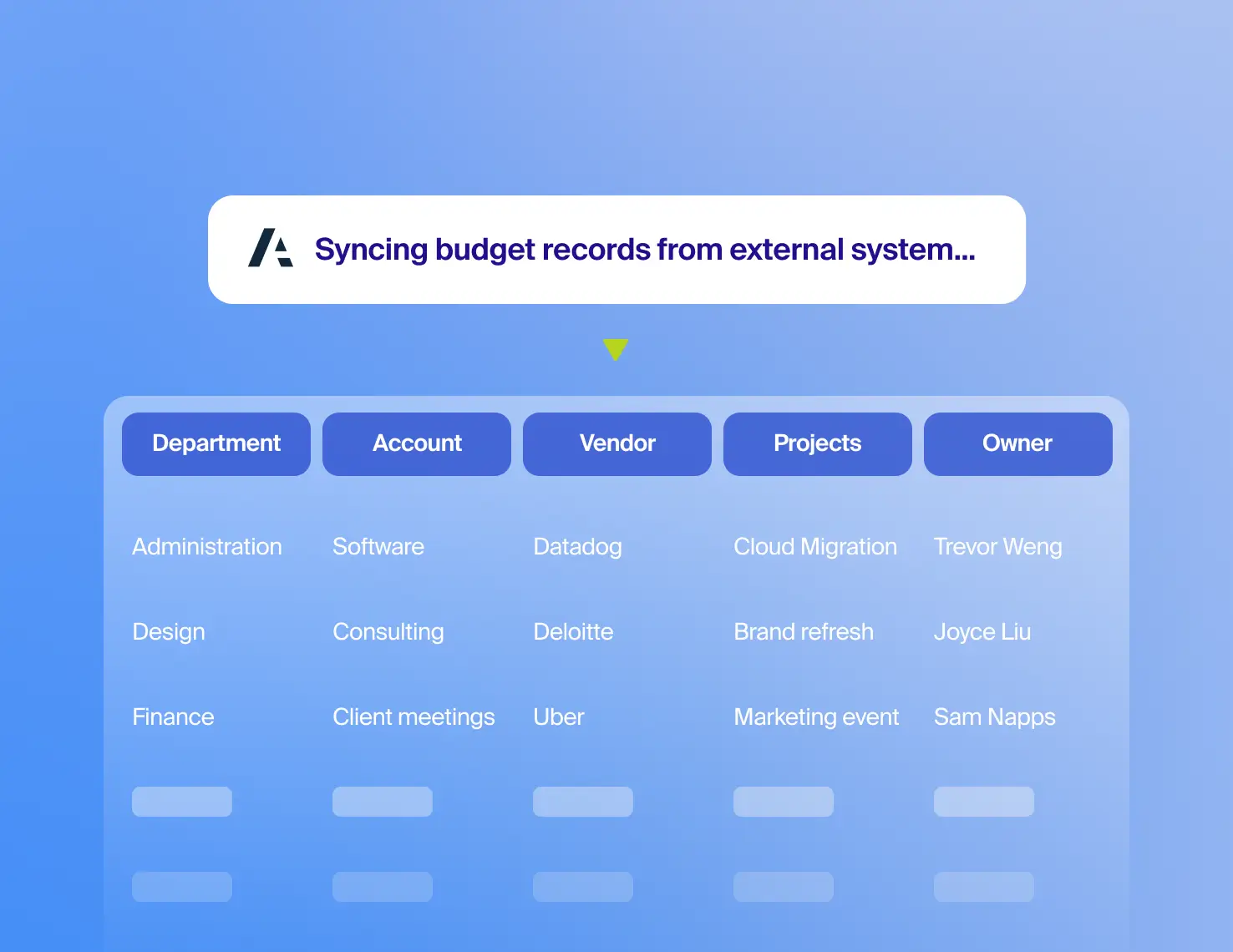
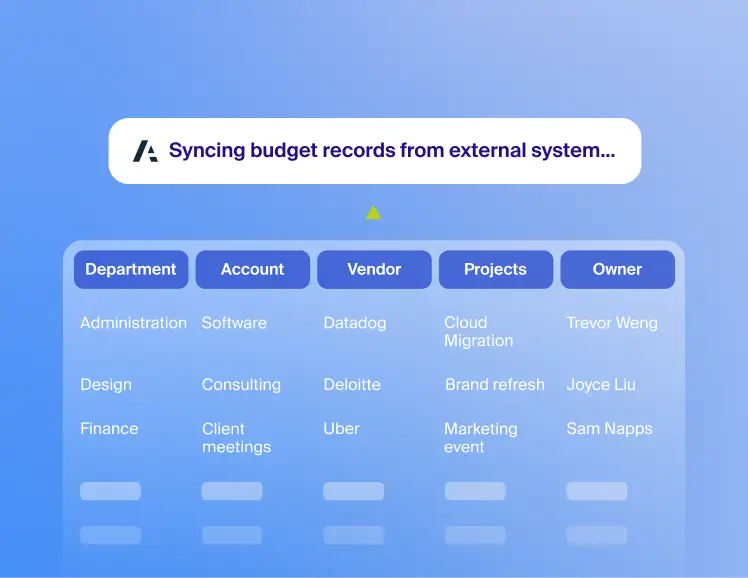
Easy integrations
Seamlessly sync your budgets and actuals from ERPs and FP&A tools for real-time visibility.
The world’s most innovative companies work with Zip

under management
%20(1).png)

.avif)

FAQs
Why should an organization integrate its budget data with its intake process?
By integrating budgets with the intake process, reviewers can instantly tell if a request is within budget. Surfacing budget amounts up front eliminates accidental overspending, cuts down manual work for reviewers and procurement teams, and gives requesters a clear picture of how feasible a purchase is.
What is the difference between budgets and project-based spend?
Budgets are ongoing financial allocations. Typically, budgets are organized by department, location, GL account, or similar dimensions. Purchase requests get matched to the correct budget based on how the budgets are organized.
Project-based spend refers to finite, goal-oriented initiatives with their own specific budgets, such as a large corporate conference or a new R&D project.
Who is involved in the budget management process?
- Budget/project owners: Department heads or project leads who have permission to track spend and receive proactive alerts when funds are nearly or fully exhausted.
- Finance and procurement teams: Admins who set up budget hierarchies and integrate data from external systems to ensure a "single source of truth" for spend.
- Requesters: Individual employees who benefit from automation, such as auto-populating request fields based on project data.
How does this differ from traditional budget tracking in an ERP?
Traditional ERPs often provide a "rearview mirror" look at spending, showing what has already been invoiced or paid. Modern procurement budgeting provides proactive visibility with real-time alerts, conditional logic, and flexible visualization.